Worlds & adventure ideas
Turn a World Idea into a Playable Adventure
Turn a setting into a first session with a compact world brief, a character goal, an opening problem, and a practical Custom World workflow.
3 min read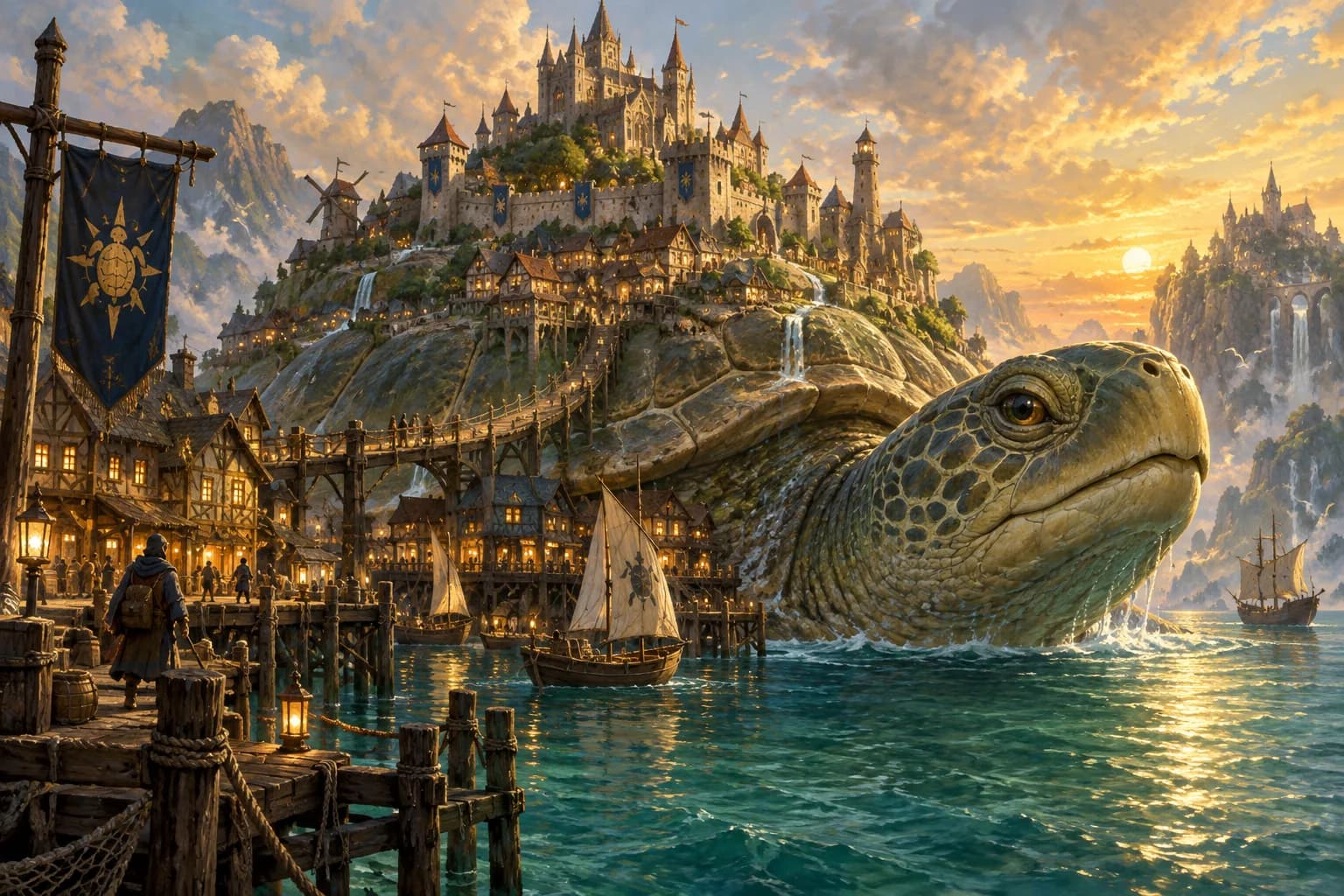
In this guide
A setting needs a problem someone can act on
A city built on the backs of giant turtles is a striking image. It becomes an adventure when one turtle stops moving and the city's food barge cannot reach the harbor. Now a character can investigate, negotiate, organize supplies or search for another route. Keep the image, but add a present-tense problem.
This original floating-city example is a writing exercise, not a published Playworlds world or a promise that generation will reproduce every detail. The aim is to give the creation flow a coherent starting point and leave room for the adventure to develop.
Write a compact world brief
Describe five things in a few sentences: the place, the tone, the immediate problem, someone affected by it, and a boundary you want the story to respect. For example: a busy floating city; curious and hopeful; its oldest turtle has stopped; an apprentice dock keeper needs help; focus on exploration and negotiation rather than graphic violence.
Treat tone and boundaries as requests and review the generated result. A short brief cannot guarantee every later response. Avoid a long history, dozens of factions or a fixed ending before you know what the first scene needs.
Give the player a reason to be there
Connect the character to the immediate problem. A courier has medicine aboard the delayed barge. A mechanic knows the city's mooring system. A visiting musician owes the dock keeper a favor. Each motivation suggests questions and actions without requiring the character to know the entire world.
Keep abilities separate from aspirations. A character can want to repair a harbor without automatically owning every tool or knowing every technique. Use the creator's supported choices, then check the character sheet before deciding how to approach the scene.
Follow the Custom World creation flow
Open Custom World from the world library and sign in to create and play. Review the gameplay options offered, continue into the creation flow, and provide your setting idea where the game requests it. Review the world and adventure material the flow produces rather than assuming the first draft is final.
Prepare your character and follow the remaining setup prompts. Field names and available choices may change, so use the controls shown in your version. Check credits and access before generation. This guide does not promise a particular generation time, unlimited attempts, or a public publishing feature.
Write the first problem without its solution
A useful opening places you beside the dock keeper as an empty rope swings above the water. She asks whether you can inspect the lower pier before the tide turns. You have a location, a person, a question and time pressure. The cause of the delay can emerge through play.
Try a first action such as: I ask what changed before the turtle stopped, then inspect the nearest mooring for damage. Stop before deciding what the inspection finds. If the generated world differs from your brief, either adapt your action to the accepted setting or clarify the mismatch before proceeding.
Test the world with three questions
After a short scene, ask: Do I know what my character wants? Can I identify two plausible next actions? Did the response preserve the facts that matter? If the answer is no, narrow the problem or ask one concrete clarification instead of adding more lore.
Keep a note of the accepted names, current problem and next decision. Return through the same account to continue your saved adventure. Once the opening works, let later choices introduce the wider city, its politics and the mystery beneath it.